This page explains the Millwright demo: what it does, and how it decides. Open the demo or read how it was built.
Machine Down. Floor keeps running.
Every machine on the floor, live. Work reroutes itself the moment one fails.
Free MES simulator. Runs in your browser, nothing to install. All production data on screen is simulated.
A stopped machine bills you by the minute. Only you know the rate.
When a machine fails, Millwright moves its jobs off it and spreads them across the rest of the floor. What that is worth depends on two numbers, and both of them are yours.
Your two figures: 50,000 of output lost per hour down, and 30 min to replan by hand. Millwright's side is not an assumption, it is the demo's own arithmetic: the plan is rebuilt on the next 200 ms tick, then the job still pays the simulator's flat 5 min transport and 3 min setup before it runs somewhere else, so 8 min. That is 22 minutes sooner. At 10 incidents a month, it is 2,200,000 a year.
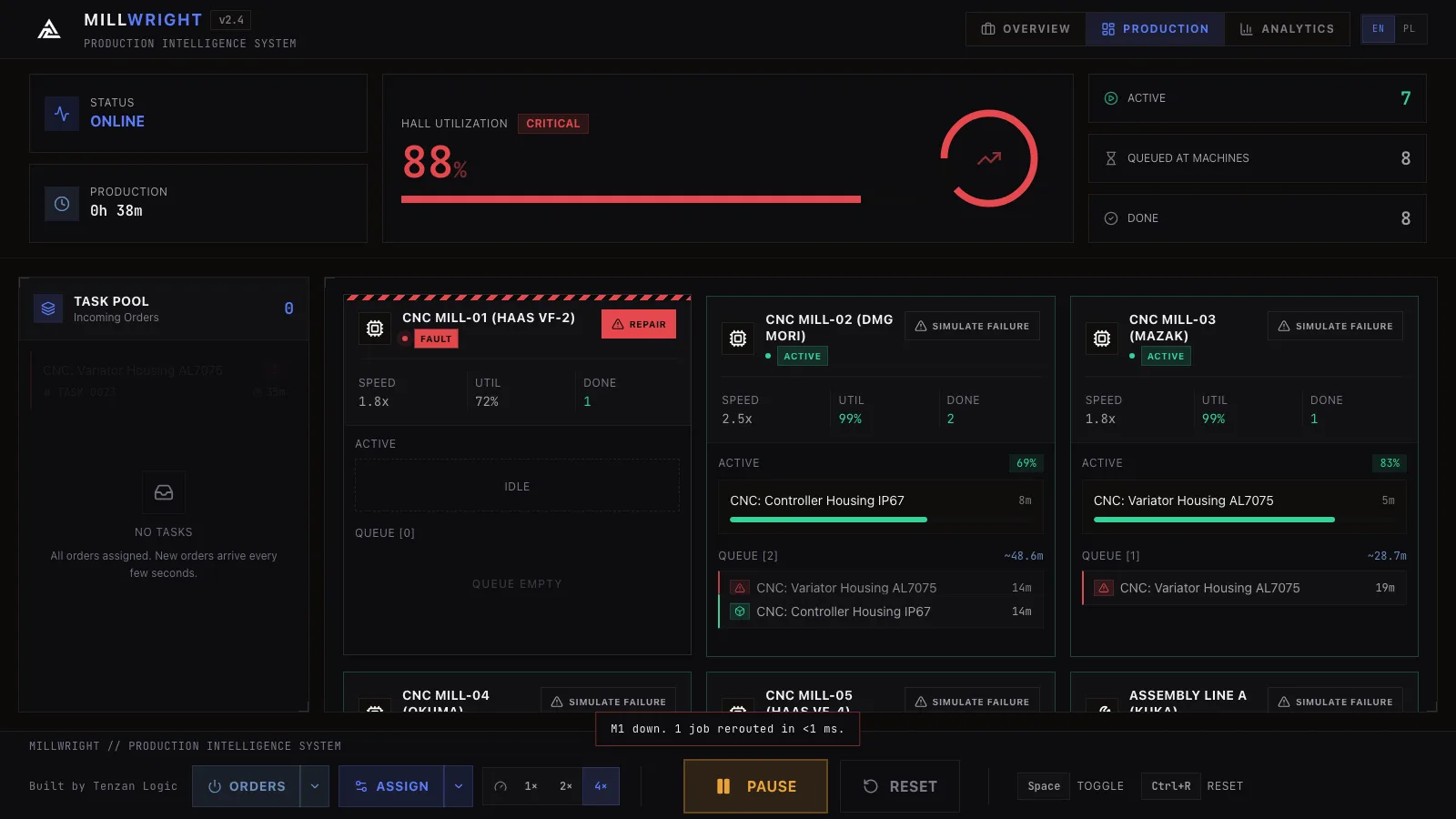
Every machine, every queue, live.
Live status, queue, and utilization for every machine on the floor.
| ID | Machine | Type | Operations |
|---|---|---|---|
| M1 | MILL-01 | CNC | 3 CNC operations |
| M2 | MILL-02 | CNC | 3 CNC operations |
| M5 | MILL-03 | CNC | 3 CNC operations |
| M6 | MILL-04 | CNC | 3 CNC operations |
| M8 | MILL-05 | CNC | 3 CNC operations |
| M3 | ASM-A | Assembly | 7 assembly and welding, 2 shared |
| M7 | ASM-B | Assembly | 7 assembly and welding, 2 shared |
| M4 | TEST-B | Test | 6 test and calibration, 2 shared |
Variator housing AL7075 / Controller housing IP67 / Brake caliper / Battery pack 48V / Shock absorber housing, welded / Main harness 16-pin / Inverter 5 kW / BLDC motor 2.5 kW / Support frame, TIG / Control board PCB / Full EOL protocol / Basic inspection / Sensor array calibration / Vibration analysis / Power load cycle / EMC compliance scan / Assembly kit packaging / QC rework
-
MCT-S
When a machine goes down, its jobs are automatically reassigned to other machines. No manager has to work out a new schedule by hand.
-
Job Priority
Every job is ranked by urgency, then sent to whichever machine can finish it soonest. The estimate counts that machine's own queue, its measured speed, a flat 5 minutes of transport and 3 minutes of setup where the machine has to change over. Critical jobs jump the queue first, then rush orders, then standard work.
-
Parameter Monitoring
Instant detection the moment a parameter drifts out of range.
Pick a station. Its queue is dispatched one job at a time, highest priority first, to whichever machine finishes that job soonest.
Down: M5. Its queue in priority order, with the completion time of every machine that can take the job.
One of these operations is written for the station you took down and for no other. The scheduler does not park the job: it falls back to the whole floor and takes the machine that can finish it soonest, which is what the demo does too.
A frozen floor, not yours, running the demo's own rule and the demo's own numbers. Finish = queue + transport + setup + run. Queue is everything the machine already holds, transport is a flat 5 min the simulator charges every placement (it does not model distance), setup is 3 min and only when the machine has to change over, and run is the operation's nameplate minutes × that machine's measured speed factor. The machine that wins a job carries it into the next placement, which is why the quickest machine does not win every time.
| Machine | Queue (min) | Transport (min) | Setup (min) | Run (min) | Finish (min) | Pick |
|---|
Three charts, one event log, CSV out.
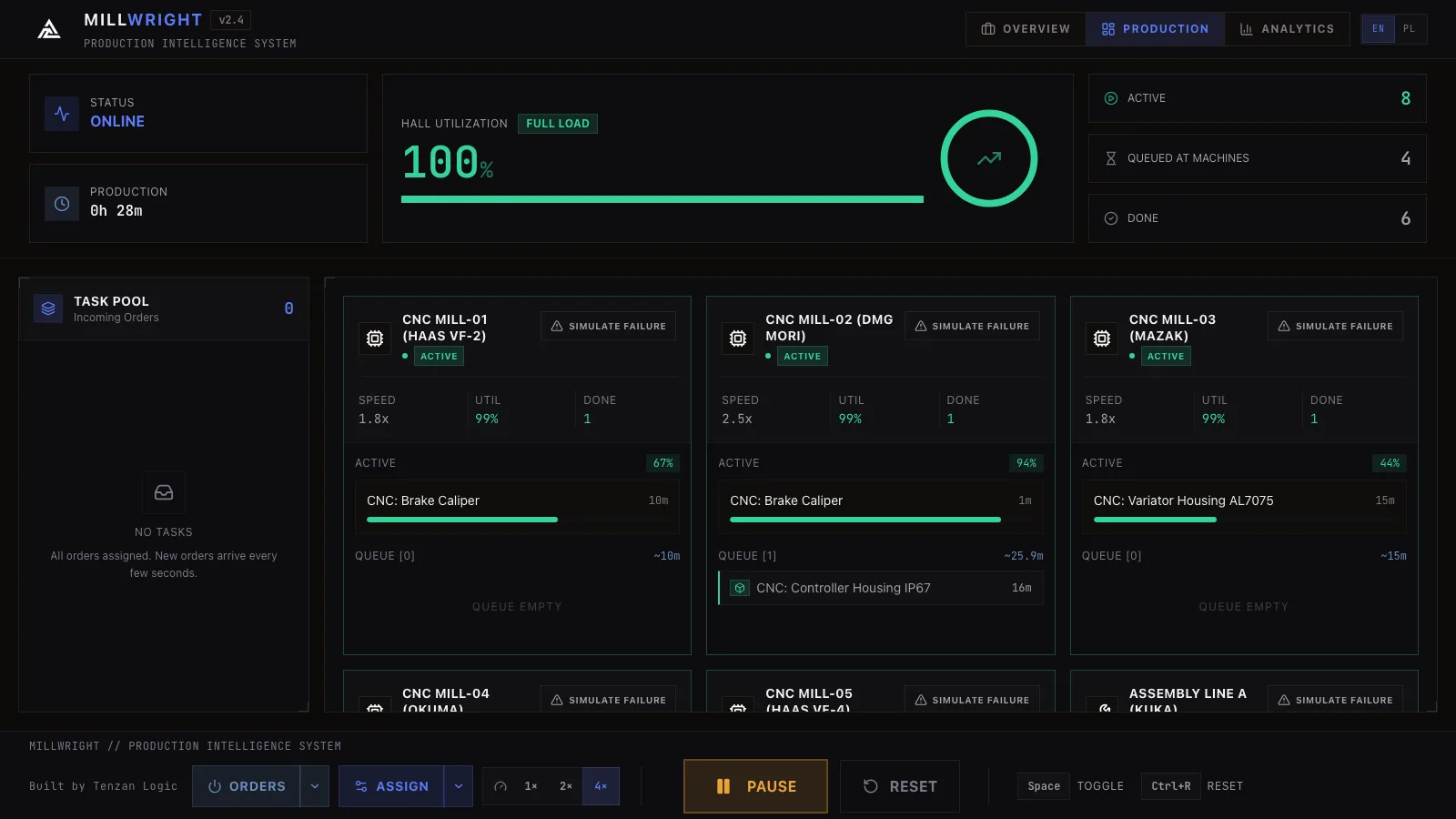
Time-filtered reports. Track floor load, task throughput, and failure trends on live, interactive charts.
- 3 charts
- Floor load trend, task throughput and machine utilization, all updated live.
- Alert tags
- Every event is tagged for the people it concerns: technicians, supervisors, managers, QC team. The tags are labels in the log. The demo sends no mail, no message and no webhook anywhere.
- CSV export
- The full event log exports to CSV. The demo stores nothing between sessions, so that file is the only copy.
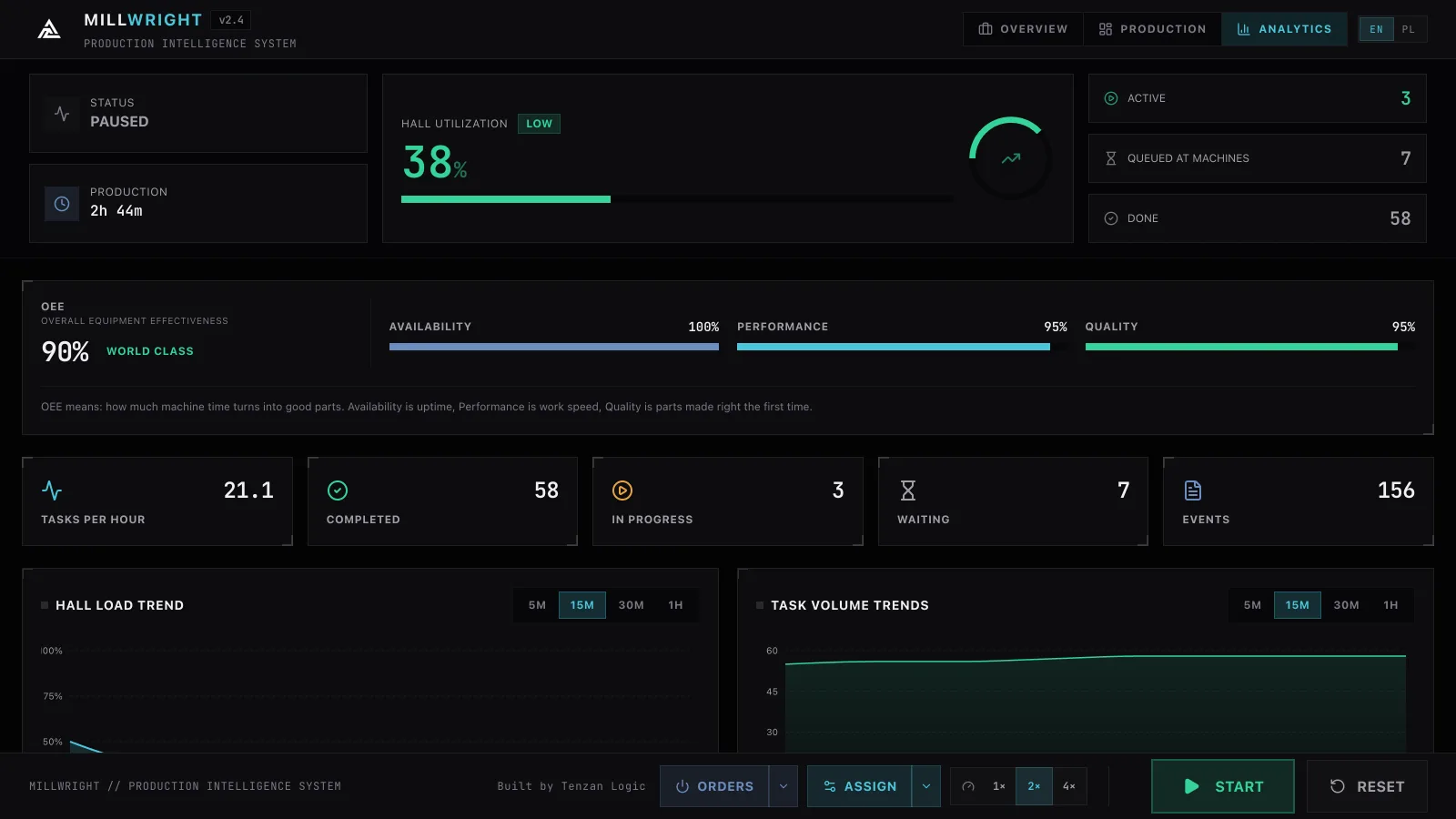
| Time | Machine | Event | Tagged for |
|---|---|---|---|
| 14:22:07.400 | M5 | FAULT_DETECTED | Technicians |
| 14:22:07.600 | M5 | JOB_SUSPENDED | Supervisors |
| 14:22:07.800 | SCH | RESCHEDULE_STARTED | Managers |
| 14:22:08.000 | M2 | JOB_ASSIGNED | Supervisors |
| 14:22:08.200 | M6 | JOB_ASSIGNED | Supervisors |
| 14:22:08.400 | M8 | JOB_ASSIGNED | Supervisors |
| 14:22:08.600 | SCH | RESCHEDULE_DONE | Managers |
| 14:22:08.800 | M2 | JOB_STARTED | Supervisors |
| 14:22:09.000 | M6 | JOB_STARTED | Supervisors |
| 14:22:09.200 | M4 | PARAM_OUT_OF_RANGE | QC team |
| 14:22:09.400 | M1 | JOB_COMPLETED | Managers |
| 14:22:09.600 | M3 | QC_CHECK_PASSED | QC team |
It reschedules the same whether one machine fails or three.
Failure simulation
Trigger a machine failure in the demo, then watch its jobs move onto the rest of the floor. You see what the downtime costs and what a fast response saves.
Smart scheduling
Recalculates the fastest way to finish every job on the floor, counting each machine's measured speed, the transport every move costs and the setup a changeover costs. It re-runs on every 200 ms tick of the simulation.
Runs local
The demo runs entirely in your browser and sends nothing to any server. Every operation lands in an event log you can export to CSV.